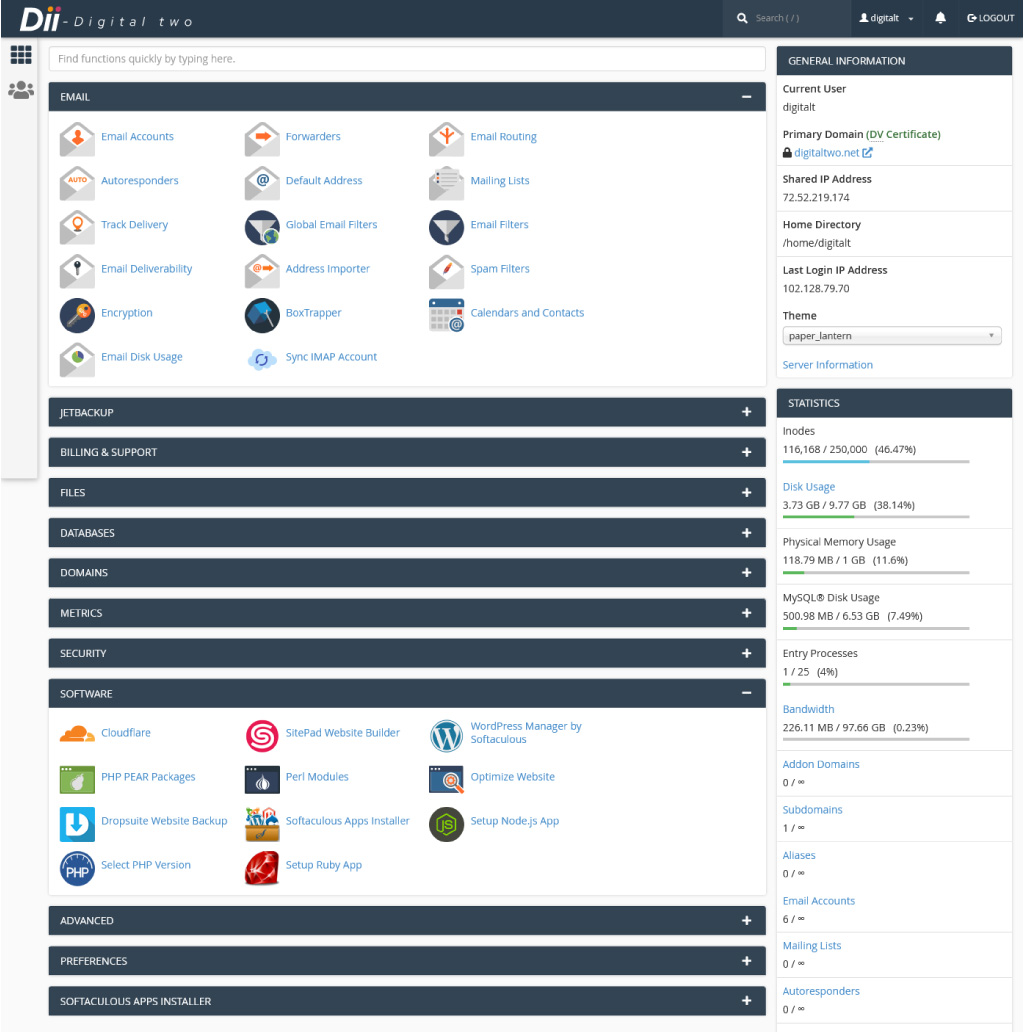
cPanel is the default control panel for all our Web Hosting packages. It provides complete control over your website giving you the ability to install WordPress, upload files, manage/restore backups, setup email accounts, add domains/subdomains, and much more.
You can easily login to cPanel following these steps:
1) Login to our Client Area
2) Click on Web Hosting

3) Click on your hosting package

4) Click Login to cPanel

5) cPanel will launch in a new tab